
A booking system for hotels and guesthouses.
Reception sees the day in one place: bookings, arriving and departing guests, cleaning and room moves. Guests book directly on your own website.
No card details and no commitment. All Plus features are free for 30 days.
Every room in one view.
The planning grid shows every room and every day. Bookings, blocked periods, cleaning status and room moves are handled there, so reception does not need to switch between views.
See what the day will bring each morning.
-
Task list.
One list shows today’s and tomorrow’s arrivals and departures. Each row includes the room and guest, plus icons for extras, payment, cleaning and guest comments. Early arrivals and late departures appear with the adjusted time.
-
Payment at reception.
When a guest pays at reception, record the payment from the same list without opening the booking.
-
Shift changes.
Arrival and departure status, together with notes such as Arriving late in the evening, are visible to the whole team. A shift can change without information being lost.
-
Cleaning follows the bookings.
After departure, the room appears on the cleaning list with the time available before the next guest. Cleaners mark rooms ready with their own login, and the status updates in the grid and task list.
-
Daily report.
Download an Excel file with the day’s arrivals, meal information and booking details. It can be used to print the arrivals and breakfast count.
A separate login and view for everyone.
Invite reception staff, cleaners and your accountant with their own logins. Everyone sees only what they need, and each booking records who changed it.
The same menu for three people: the account owner sees everything, the accountant sees the dashboard, customers, reports and bookings, and the cleaner sees only the cleaning list. Access can be disabled without deleting the user.
-
Ready-made roles.
Reception handles daily bookings, cleaners see the cleaning list, and accountants see reports and customer information without being able to edit bookings.
-
Create your own role when needed.
Choose permissions precisely, such as view-only access for a trainee.
-
Disable a seasonal worker’s access.
Access can be switched off without deleting the user.
-
Your account settings remain private.
Only you can see the subscription, invoices and account settings.
Guests search their dates and book a room on your site.
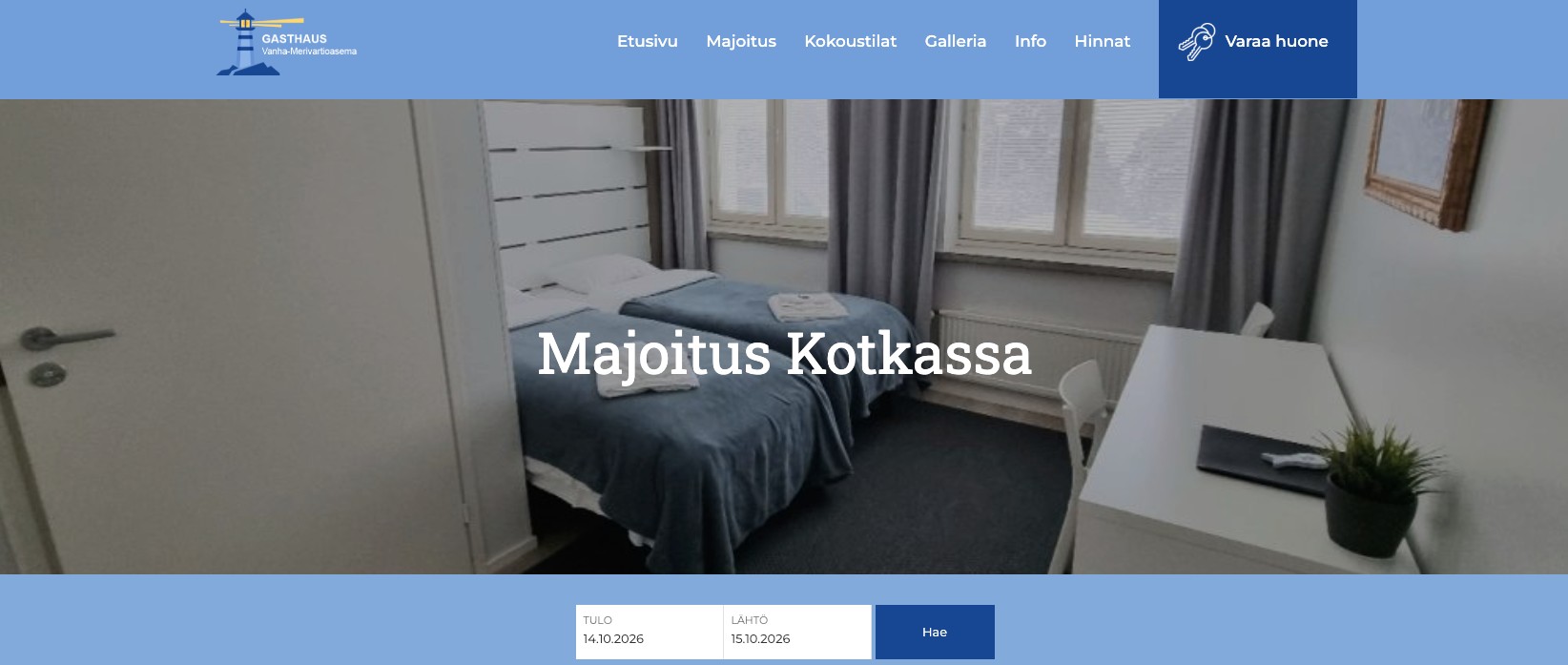
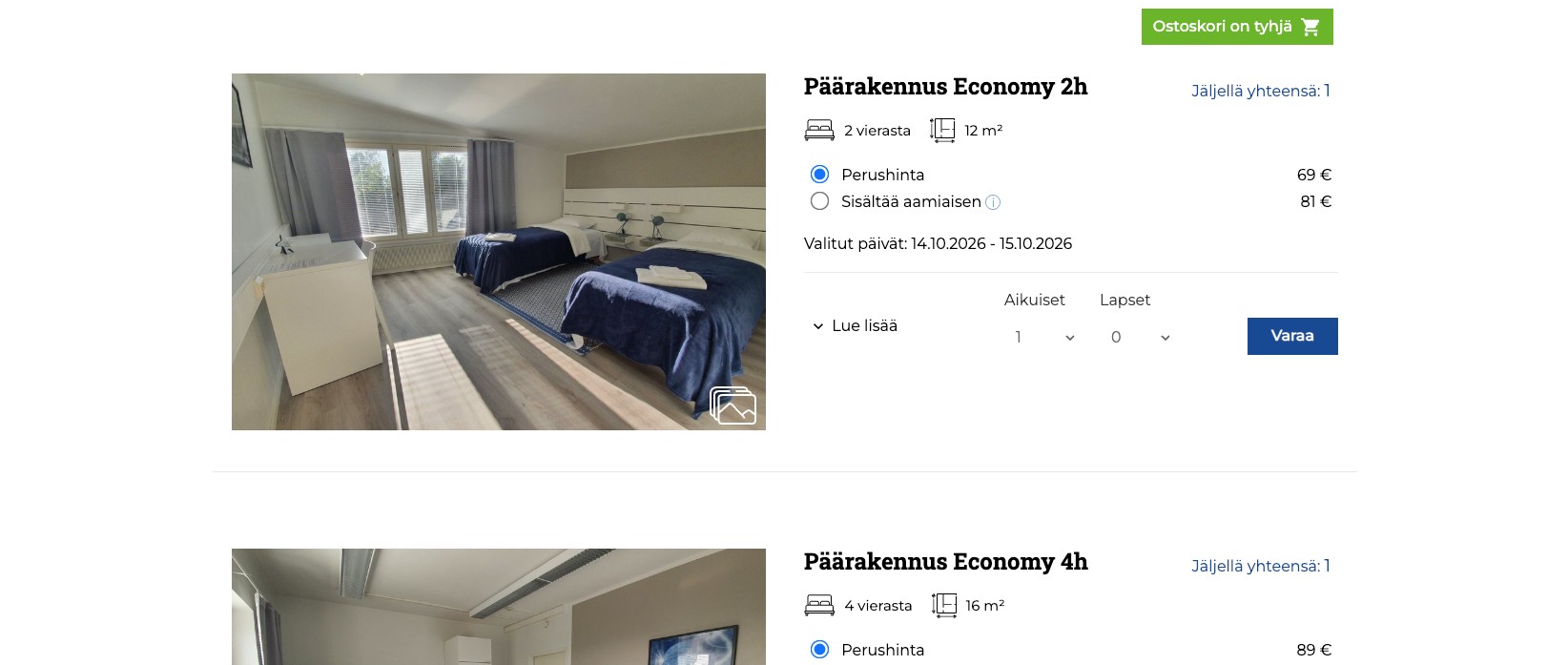
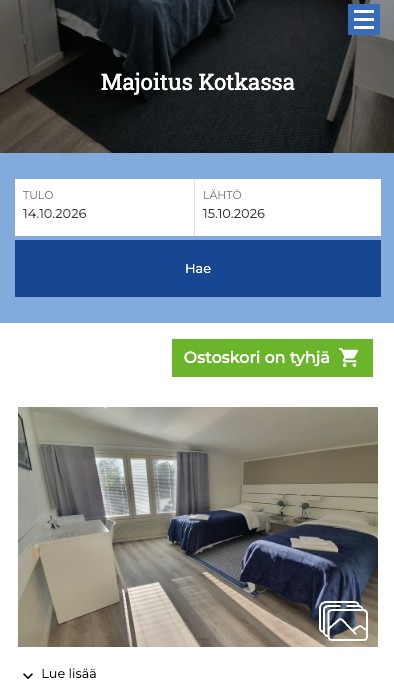
Guests enter arrival and departure dates and the number of people. They see only available room types, with prices and the number of rooms left, add rooms to the basket and book them together. The booking stays at your own web address.
The Search Bar and room Directory work on any website platform: WordPress has its own plugin, while other platforms use a widget. If you operate several hotels, guests can search all of them at once.
In a boutique hotel where rooms differ, guests can choose the room themselves. Otherwise, the system assigns the first available room and reception can move the guest when needed.
Prices by room type and number of guests.
Hotel prices are configured for each room type in a single form.
| Guests | Price / night | Weekend (Fri–Sat and Sat–Sun) |
|---|---|---|
| 1 | 89.00 | 99.00 |
| 2 | 109.00 | 119.00 |
| 3 | 129.00 | 139.00 |
Sales-channel bookings in the same planning grid.
Channel management connects your hotel to Booking.com, Airbnb, Expedia and Vrbo. When a room is booked in one place, available capacity updates in every channel. Channel reservations arrive in the grid as confirmed bookings with the guest’s details and, for Booking.com, payment information.
Good to know
-
Sales channels sell capacity rather than individual rooms. An incoming reservation goes into a room that is free for the whole stay. If no single room is free for all of it, even though the capacity is there, the reservation lands in the first room and may look overlapping. Move it to the correct room in the grid; the price and invoice stay unchanged and nothing has been oversold.
-
Base prices by room type and number of guests are sent to the channels. Your channel price can differ from the price on your own website.
-
Prices and availability are managed in the booking system. Changes made in a channel are not transferred back.
-
If you already have future channel reservations, they are imported when channel management is connected.
-
Channel management is an add-on with its own monthly price. It is not included in the trial because the connection is purchased from a third party. See channel management prices →
The monthly Statistics Finland report compiles itself.
The system compiles the monthly accommodation statistics from your bookings. Enter the credentials supplied by Statistics Finland once, then send the report with one click.
-
Review before sending.
Every booking from the month is included. The guest’s country is inferred from the phone number and the purpose of travel from company details in the booking form; both can be corrected manually.
-
Sales report for your accountant.
Choose a period, filter by stay dates or payment date, and download the report. The accountant role can view reports without permission to edit bookings.
-
Monthly figures at a glance.
See overnight stays, arrivals and guests’ home countries in one view.
Reception routines in one place.
On your phone.
The booking system works in a browser, so there is nothing to install. Many customers manage their accommodation business entirely from their phone.
Customer register.
The register builds itself from bookings. Find guests by name or email, see their booking history and merge duplicate customer records.
The guest’s own language.
Confirmations and instructions are sent in the guest’s selected language, while you receive a Finnish copy.
Extras by room type.
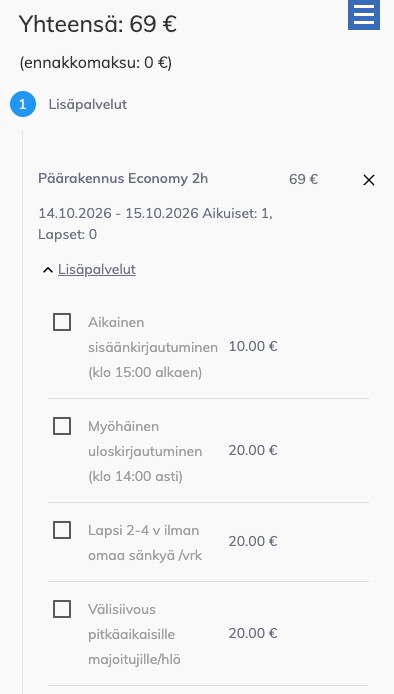
Sell a sauna slot for every room type and an extra bed only for family rooms. Early arrival and late departure immediately appear at reception with the adjusted time.
Arrival instructions and feedback.
Guests receive instructions on the morning before arrival and a feedback request after departure. Approved reviews can be published on any website.
Guest registration forms.
The registration form is completed directly on the booking and can be printed as a PDF.
”The software works reliably in every respect. The customer service is highly professional and flexible. … I can recommend Webia as a partner.”