A booking system that works on your own website.
Guests book and pay on your website, not on another service’s domain. Your calendar, payments, messages, cleaning tasks and sales channels stay in one place, with no commission on direct bookings.
No card details and no commitment. All Plus features are free for 30 days.
A calendar that works the way your business does.
A cabin is booked by the night, a hotel room by room type and an activity by start time. Choose your business to see how its calendar works.
-
Cabins and villas.
A separate calendar for every property, with seasonal prices and minimum stays.
Booking system for cabins and villas -
Hotels and guesthouses.
Room types, a planning grid and the everyday work of reception.
Booking system for hotels and guesthouses -
Activities and experiences.
Rentals and tours, equipment and guides.
Booking system for activities and experiences -
Campsites.
Pitch types and individual pitches work much like hotel rooms. We are building a dedicated campsite calendar around the needs of campsite operators.
Tell us what you need
Do you sell accommodation for several businesses or bring a region’s offering together? Tell us about your setup and we will look at it with you. Contact us
The booking happens at your own address.
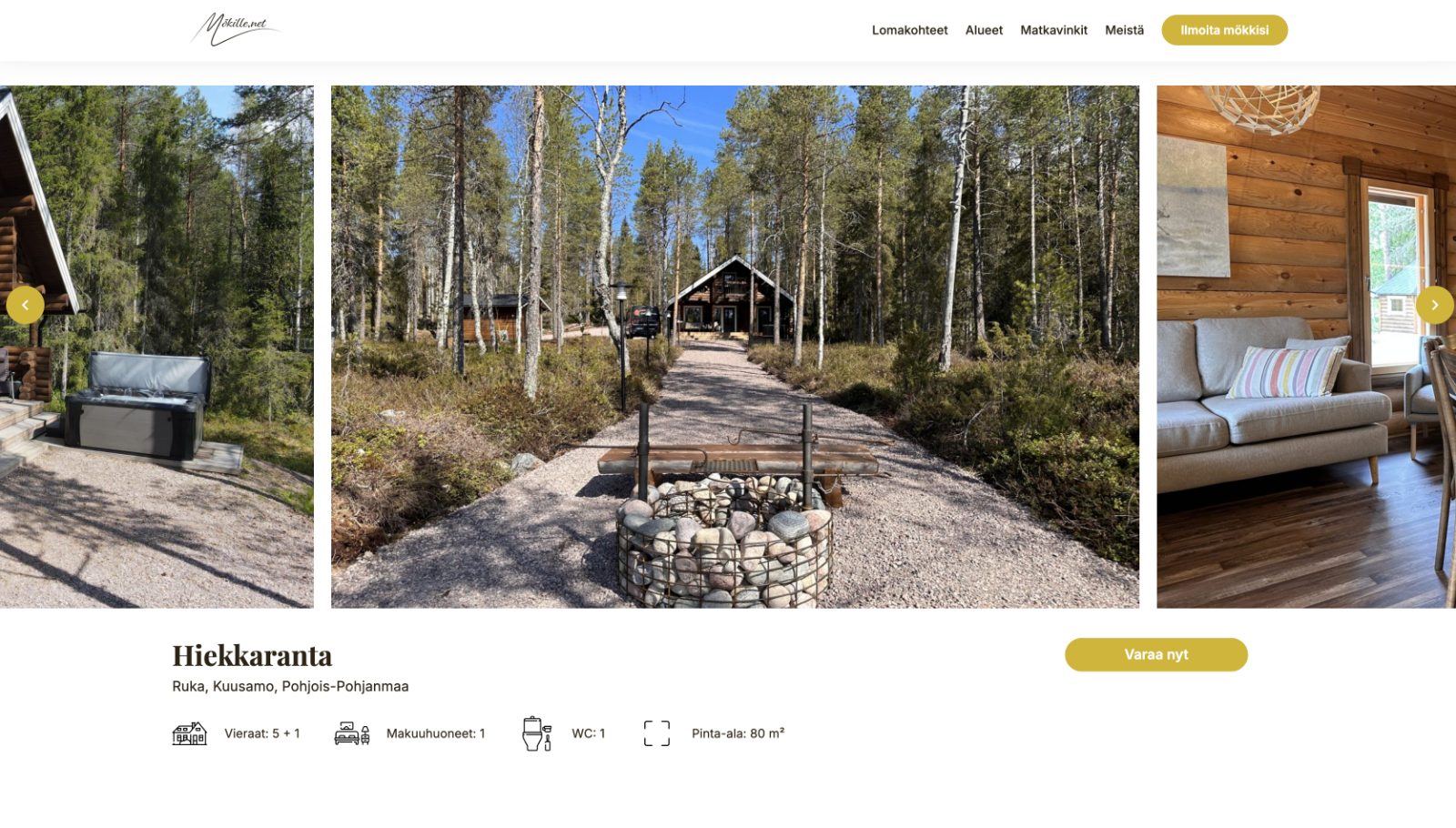
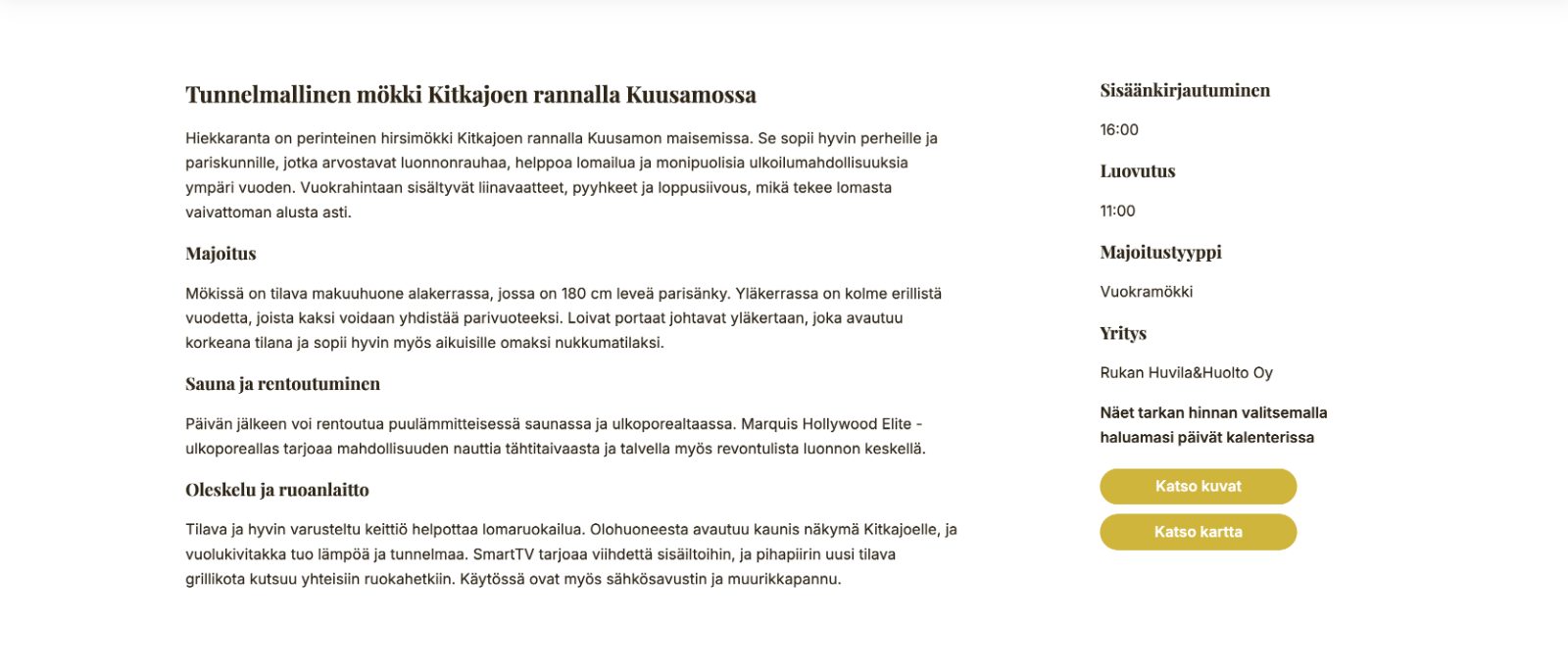
The Calendar, Directory and Search Bar are added to your own website, where the guest books and pays. They are not sent to another service with somebody else’s address and visual identity. The booking tools work on any website platform: WordPress has its own plugin, while other platforms use widgets.
- Calendar. Each property or activity has its own calendar, where guests see available dates and the price.
- Search Bar. Guests choose their dates and see which properties are available.
- Directory. Properties or room types appear on one page, with the selected dates carried through.
Payment methods that suit your business.
- Online payment through Visma Pay or Stripe, including online banking, cards, MobilePay and Apple Pay. The booking is confirmed automatically when the guest has paid.
- Invoice from the booking system or your own invoicing software.
- On site through your own till, card terminal or in cash.
You can combine the methods freely and choose different options for each property.
You decide how much the guest pays when booking and when the balance is due. A booking can be confirmed automatically after the deposit is paid, and the system reminds the guest before the due date.
Visma Pay and Stripe are optional and charge their own service fees.
Guests receive messages in their own language.
The confirmation, payment link and invoice are sent in the language selected by the guest, while you receive a Finnish copy for your accounts. For accommodation, the guest receives your arrival instructions on the morning before arrival and a feedback request a few days after departure. You can customise both the wording and the appearance of these messages.
The day’s work in one place.
On your phone.
The booking system works in a browser, so there is nothing to install. Many of our customers run their whole operation from their phone.
Planning grid and calendars.
See every property and booking in one view, and close dates for your own use or maintenance.
Task and cleaning lists.
See today’s arrivals, departures and payment status at a glance. Departures are collected into a cleaning list, and cleaners can have their own login.
Staff.
Everyone gets their own login and role, and sees only what they need for their work.
Customer register.
The register builds itself from your bookings.
Reports.
Sales reports, plus a precompiled monthly Statistics Finland report for hotels.
Booking.com, Airbnb, Expedia and Vrbo in the same calendar.
Channel management is an add-on that sends your availability and prices to sales channels. When a property is booked in one place, the same dates close everywhere. Reservations from the channels arrive in your calendar as confirmed bookings with the guest’s details. Booking.com reservations also include information about how the guest will pay.
- Cabins. Each cabin must be its own property in the channel. Nightly, weekend and weekly prices, special-date prices and minimum stays are sent to the channels. Channel management for cabins →
- Hotels. Channels sell capacity, so if no single room is free for the whole stay, the reservation lands in the first room. Moving it to the correct room does not change its price or invoice. Channel management for hotels →
Good to know
-
Prices and availability are managed in the booking system. Changes made in a channel are not transferred back.
-
A channel-specific price can be higher or lower than the price on your own website.
-
A promotion created in a channel’s own service overrides your settings in that channel.
-
If you already have future channel reservations, they are imported when channel management is connected.
-
If you need a particular sales channel, contact us and we will check whether it can be connected. There are many available channels.
-
Channel management is an add-on with its own monthly price and is available with every plan. It is not included in the trial because the connection is purchased from a third party. The price depends on the number of properties or rooms and differs for cabins and hotels. See channel management prices →
Start on your own, without training.
Creating an account requires only your company details, name and email address, with no card details. There is no setup fee and no training is required: all Plus features are available during the trial. If anything is unclear or you would like help getting started, you can book a remote demo.
If you are moving from another system, channel management brings in future reservations made through Booking.com, Airbnb, Expedia and Vrbo. Moving other data depends on your current system, and we will review it with you case by case.
Our team answers questions by phone or email.
The calendar needs a website.
Guests book through a calendar embedded on a website, so you need one. It can be any website, including one built by somebody else. If yours is due for renewal, we build websites with the booking system included from the start.
See websites and prices